.svg)





Best time management app for local business owners
Many local business owners think they have a time management problem. Meanwhile, they often have an execution problem. As a local business owner running a cleaning company, hotel, restaurant, supermarket, or repair business, your day is rarely predictable.
You are constantly balancing customer calls and walk-ins, staff scheduling, supplier coordination, last-minute changes, quality checks, and personal and family commitments.
Key takeaways
- Most "time management" problems at local businesses are execution problems: the schedule is fine, the follow-through is not.
- The best time management app depends on the job: Todoist or TickTick for personal lists, Google Calendar or Notion Calendar for scheduling, Clockify for timesheets, RescueTime for computer work.
- Local owners typically need two layers: a calendar app for time and a visual task app for execution, quality, and frontline coordination.
- Free tiers cover most calendar and list needs; paid plans start around $3 to $12 per month (as of September 2026).
What should a time management app for local business owners do?
A time management app for local business should help you see your day and week at a glance, coordinate bookings and meetings, avoid double-booking, and never miss a commitment.
Most importantly, it should reduce chaos, not create more of it.
Time management apps that work well for local business owners
Notion Calendar
Your all-in-one planning tool for individuals and teams. Notion Calendar combines scheduling, notes, and task organization in one place.
It works well for local business owners who need calendar blocking, recurring schedules, meeting coordination, project visibility, or synced planning across devices.
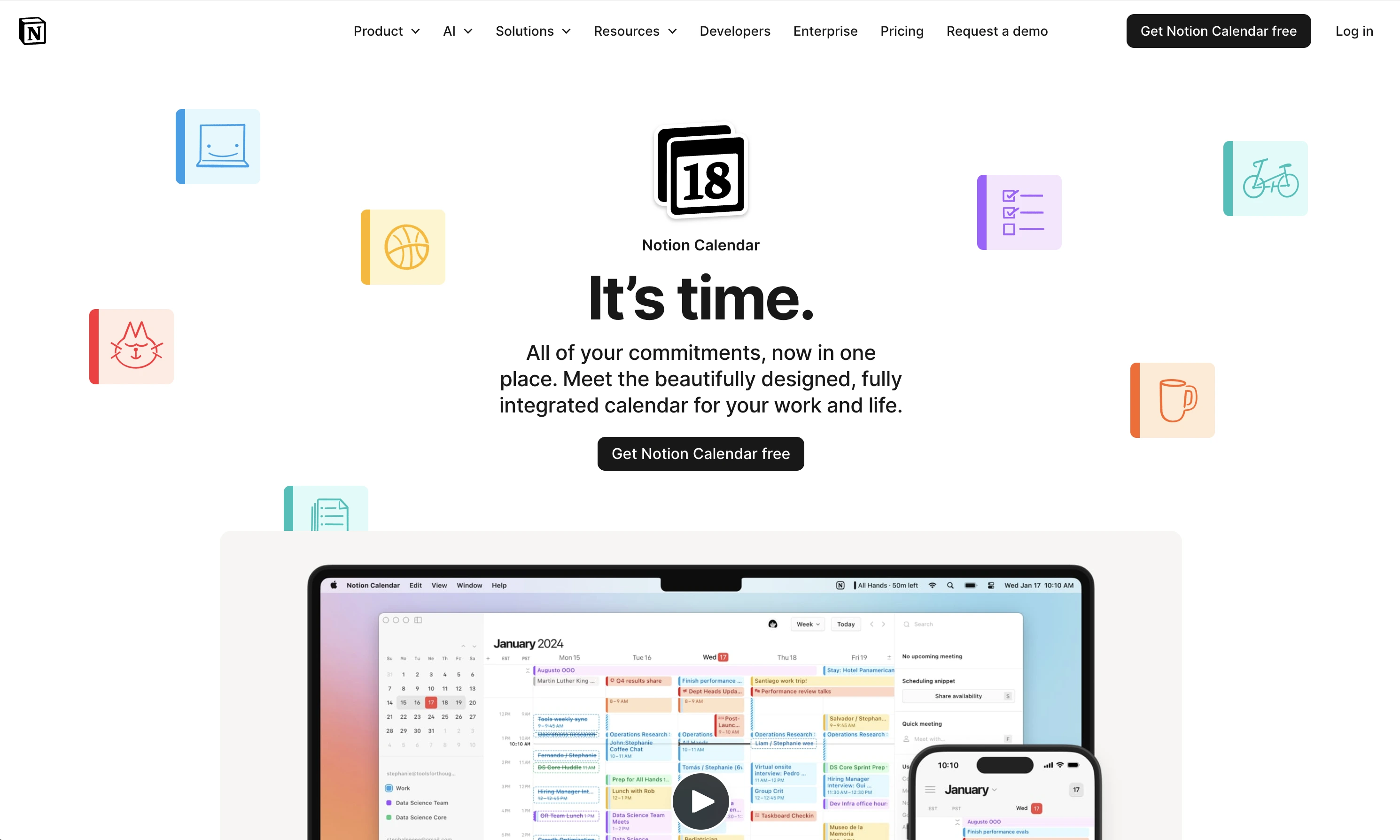
Best for service businesses, managers handling multiple schedules, organized operational planning.
Strengths:
- flexible workflows and integrates with Notion workspace
- combines notes and scheduling together
Limitations:
- takes time to learn
- better suited for planning than frontline execution
Todoist
The to-do list most reviewers still recommend first. Todoist handles personal errands, supplier follow-ups, and recurring reminders with natural language input like "order cleaning supplies every first Monday". The free plan covers most solo needs; Pro is $7/month or $60/year (as of September 2026, per their pricing FAQ).
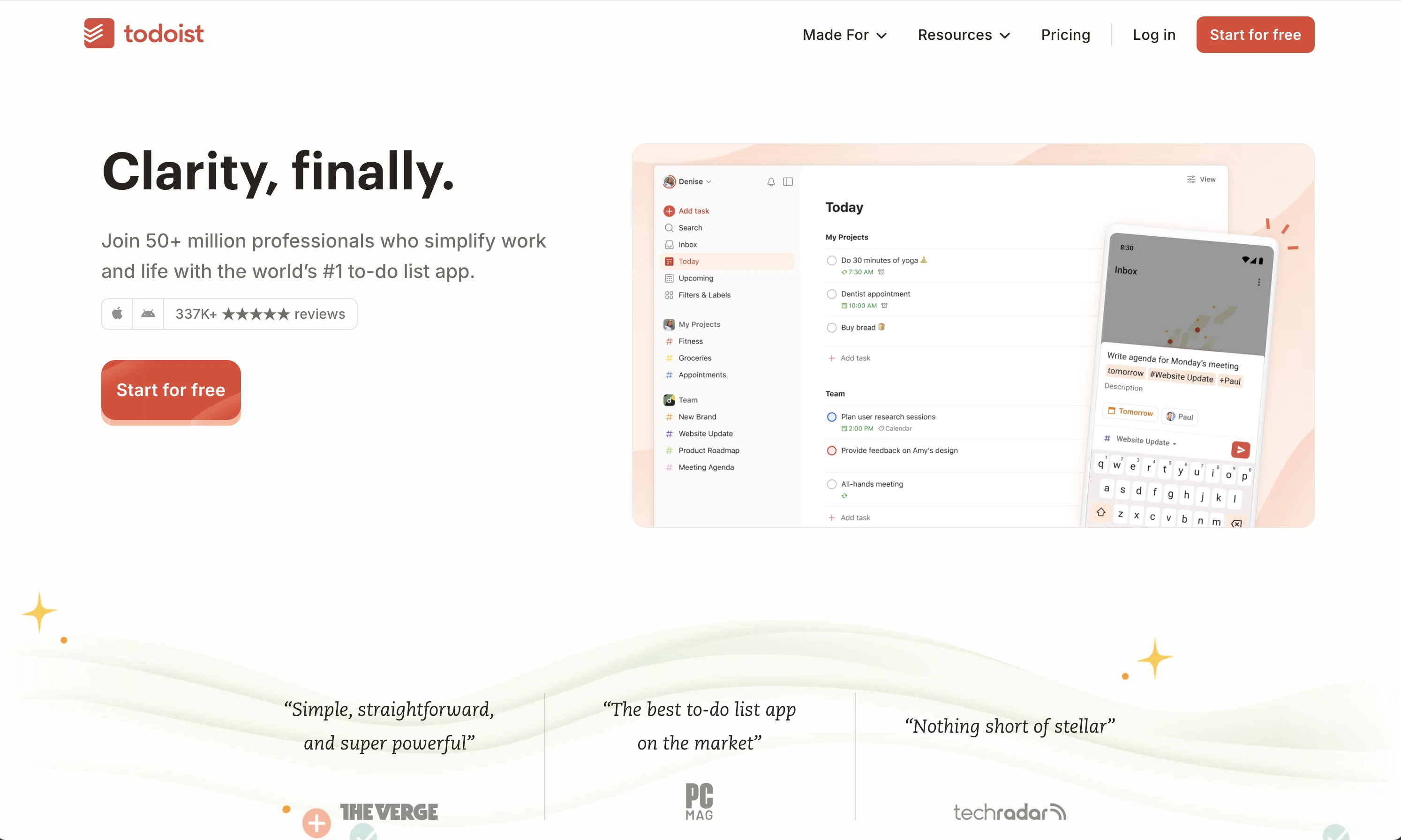
Best for owners who think in lists and want one app for their own tasks.
Strengths:
- fast capture and natural language
- works on every device
- generous free plan
Limitations:
- calendar views need the paid tier
- no frontline execution or photo proof
TickTick
A to-do list with a built-in calendar, habit tracker, and Pomodoro timer. TickTick suits owners who plan the week in a grid. The free plan does not expire; Premium is $35.99/year (as of September 2026).

Best for calendar thinkers who also want habits and timers in one place.
Strengths:
- calendar and list in one view
- Pomodoro timer built in
- strong free tier
Limitations:
- not designed for coordinating staff
- limited team features
Clockify
If your real question is timesheets and labor costs, Clockify is the answer most guides land on. It tracks work hours per employee and project, with a genuinely free plan; paid tiers start around $4 to $5 per user/month (as of September 2026).
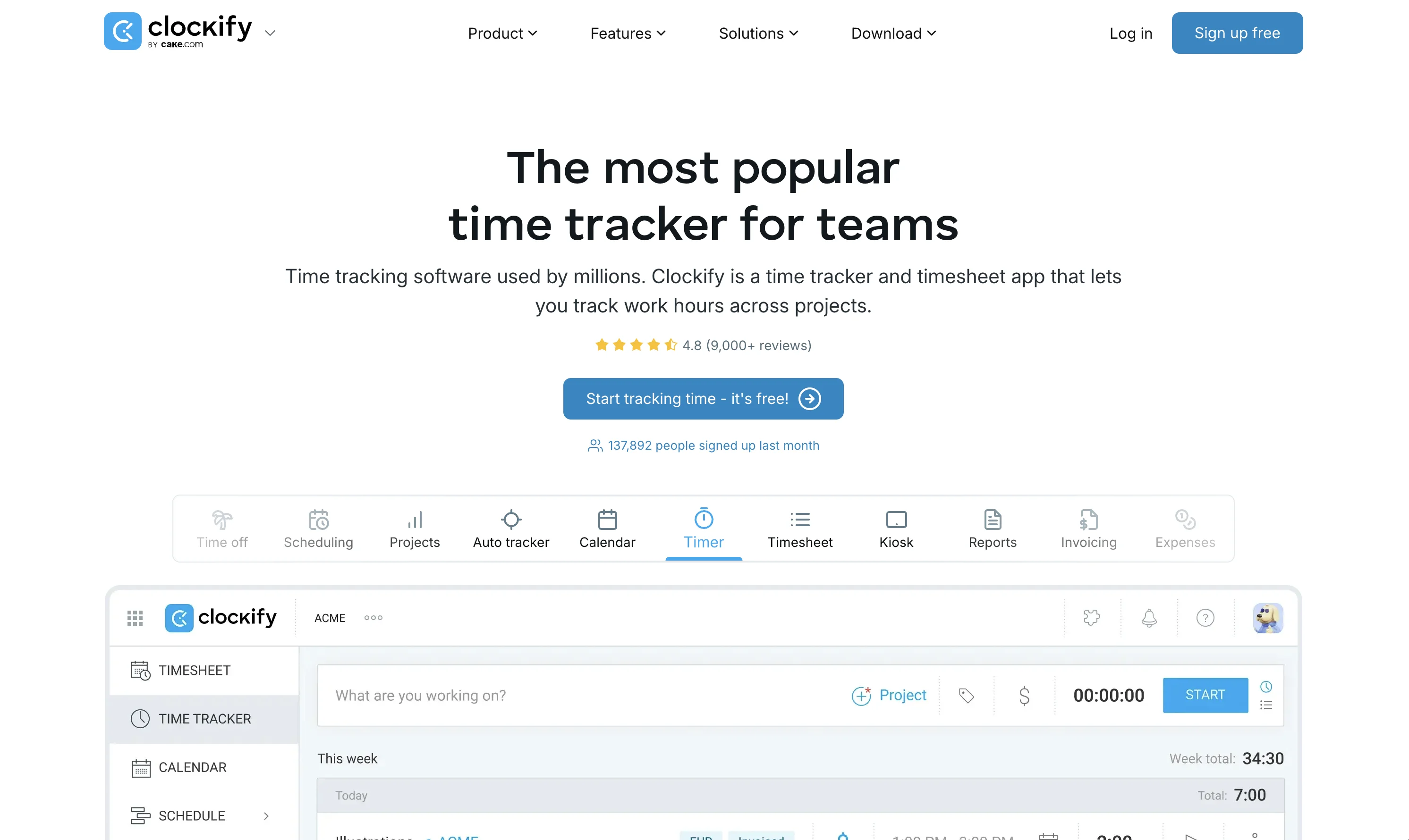
Best for tracking staff hours, job costing, and billable time.
Strengths:
- unlimited users on the free plan
- timesheets and reports
- kiosk mode for on-site clock-ins
Limitations:
- tracking time is not managing time
- no task instructions or verification
Microsoft To Do
Simple shared task coordination. Microsoft To Do is useful for local businesses that want lightweight scheduling and reminders without complexity.
It helps with daily task reminders, shared lists, recurring duties, staff coordination, personal and work planning
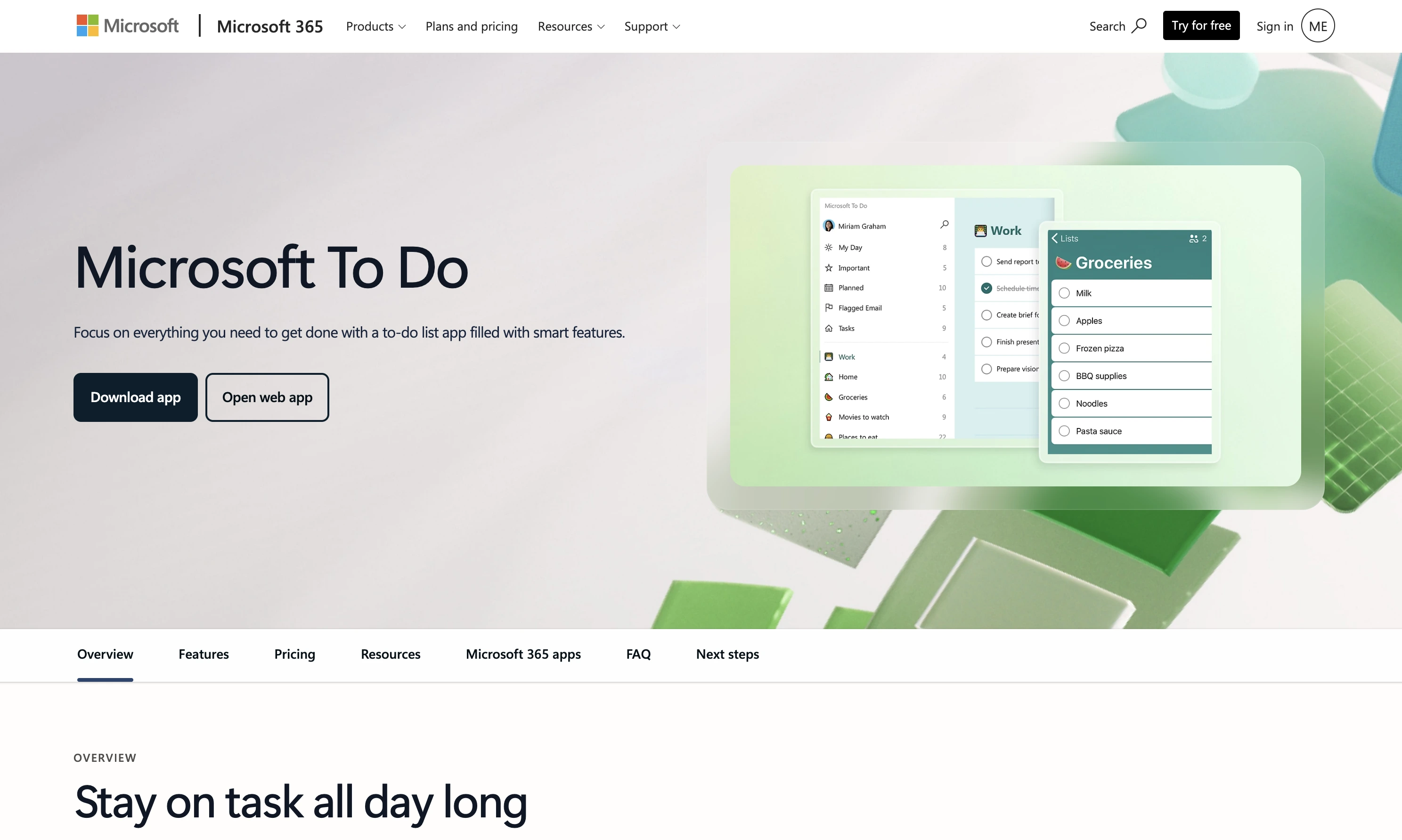
Best for small local teams, family-run businesses, simple recurring operations.
Strengths:
- easy onboarding
- cross-device syncing
- integrates with Outlook and Microsoft 365
Limitations:
- limited operational visibility
- not built for field teams or quality control
RescueTime
Automatic time tracking and productivity insights. RescueTime focuses more on analyzing how you spend your day. It automatically tracks digital activity and highlights time drains.
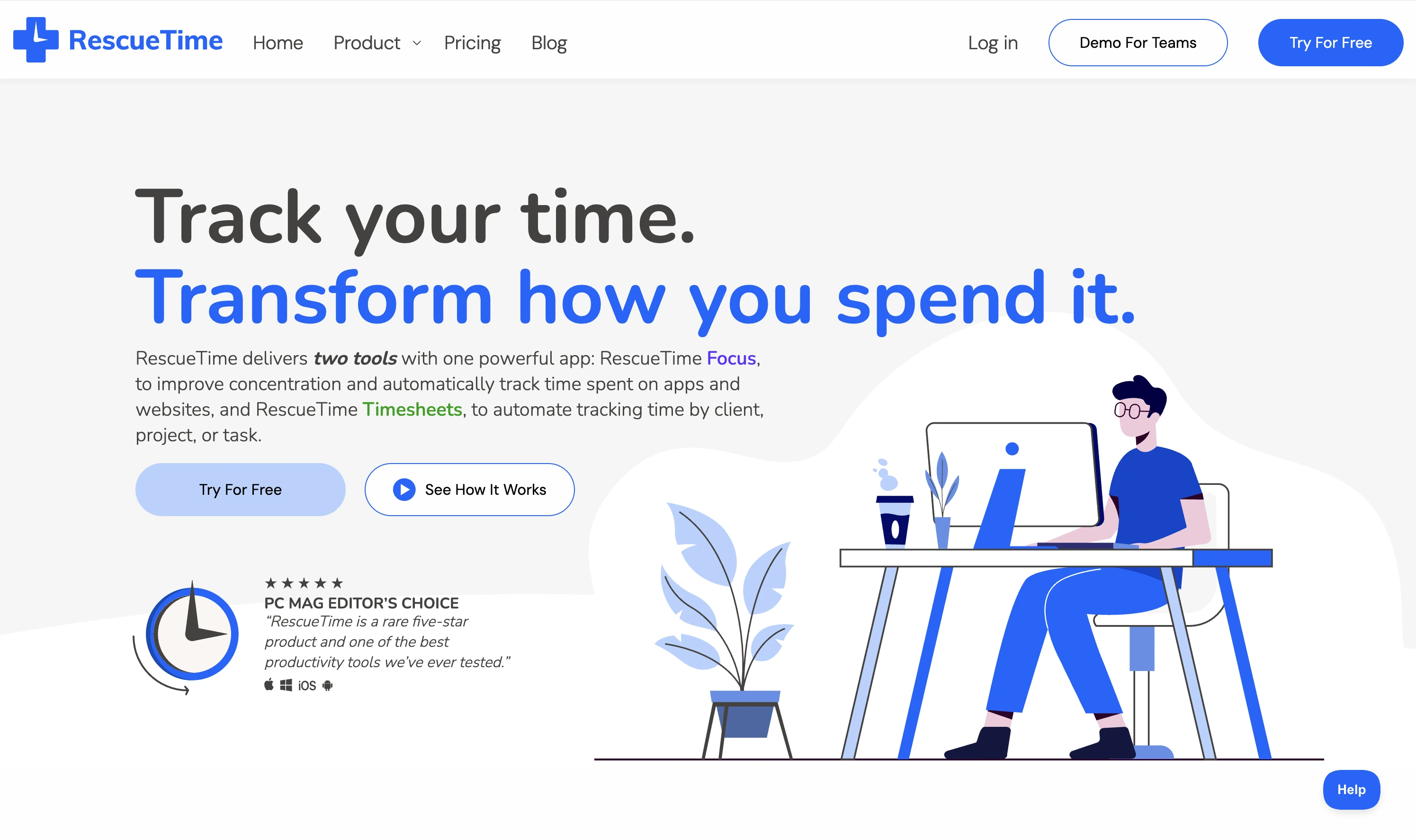
Best for office-based work, managers working heavily on computers or personal productivity improvement.
Strengths:
- automatic tracking
- productivity reports
- distraction monitoring
Limitations:
- less useful for offline operational businesses
- limited support for frontline team coordination
Google Calendar
The default most local businesses already have. Google Calendar is free, handles bookings, appointment slots, and shared staff calendars, and syncs with nearly everything.
Best for scheduling, shift coordination, and meeting management at zero cost.
Strengths:
- free and universally understood
- shared calendars for staff schedules
- syncs with booking and POS tools
Limitations:
- no task execution or quality control
- recurring task patterns are basic
Use one primary time management app or Google Calendar to control your time and schedule. Then layer a dedicated task management app to control work quality.
Why local business owners and managers lose time daily
Local businesses rarely lose time because of bad calendars alone. They lose time because daily operations constantly break down.
Some of the biggest hidden time drains include repeating instructions to staff due to unclear responsibilities, checking if work was completed, fixing avoidable mistakes, and tolerating inconsistent work quality.
Over time, these small interruptions consume hours every week and quietly destroy team productivity.
Why scheduling alone is not enough for local businesses
A calendar or time management app can tell you when work should happen. It cannot confirm the work was actually completed properly.
This is where many local business owners struggle with time and task management.
For example: you can easily schedule room turnovers but you can't confirm the task is perfectly done unless you're there in person. The scheduling system alone does not solve the real problem, which is exactly why you also need an execution or task management app.
Why local businesses need a task management app
Many local businesses operate through recurring operational tasks. Which can be hotel turnovers, cleaning routines, and opening and closing checklists.
These tasks require more than reminders. They require clarity, accountability, and confirmation.
This is the problem Tasa solves for local business owners and managers.
What is Tasa used for?
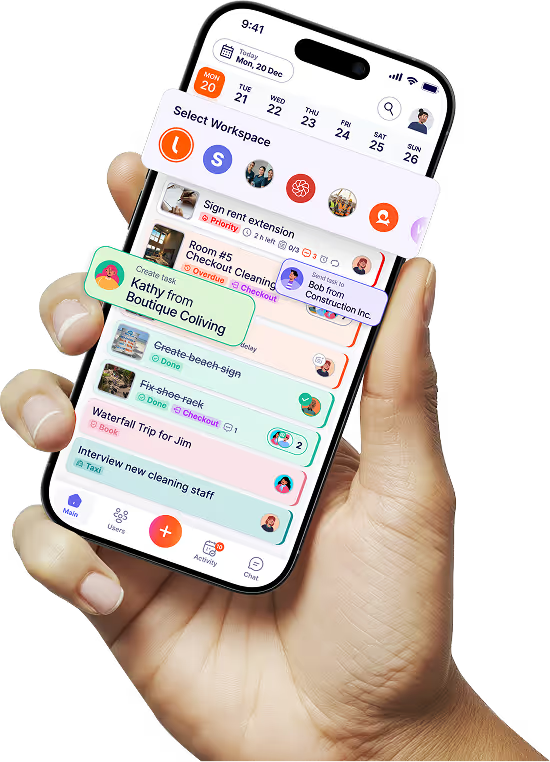
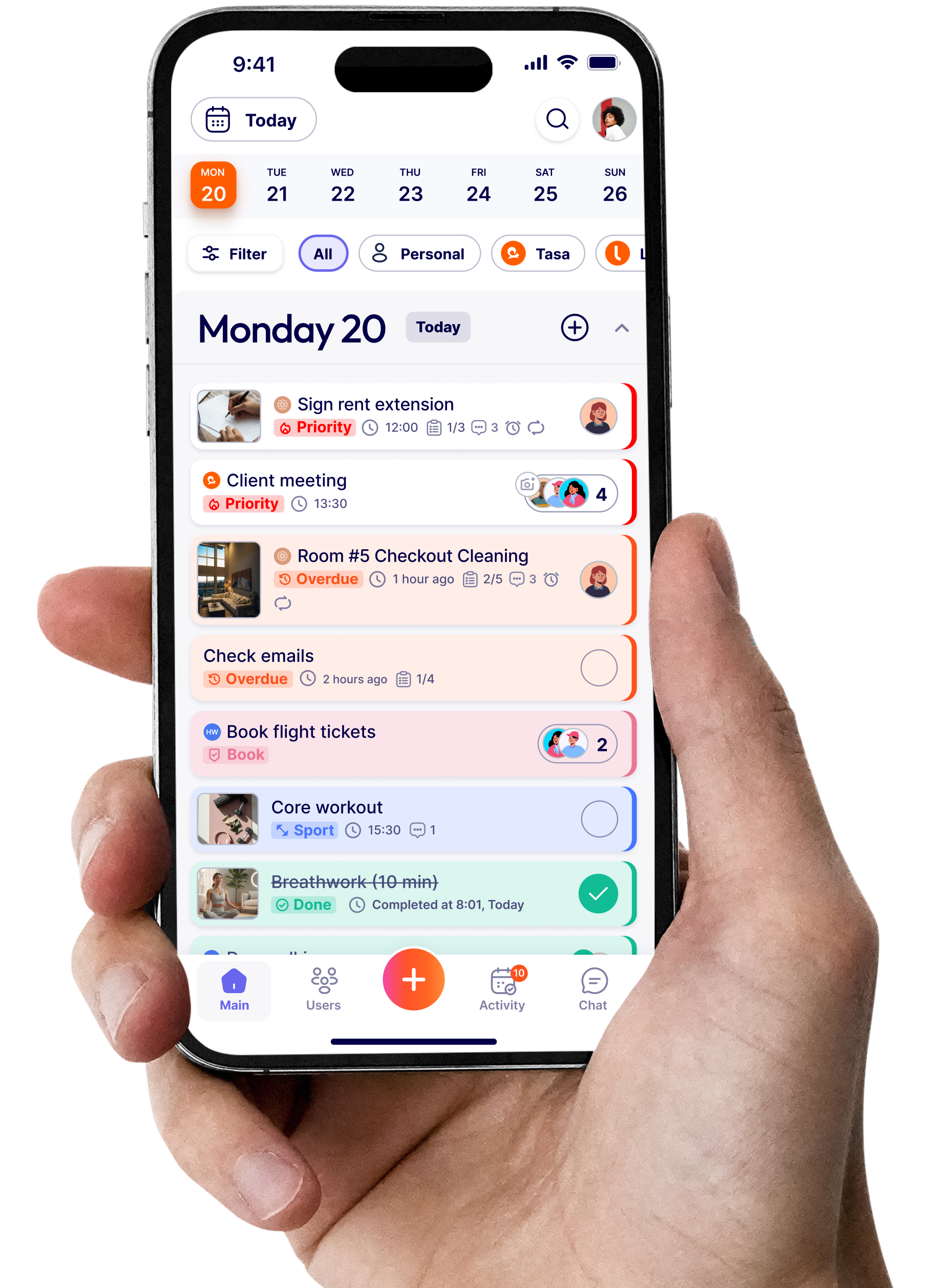
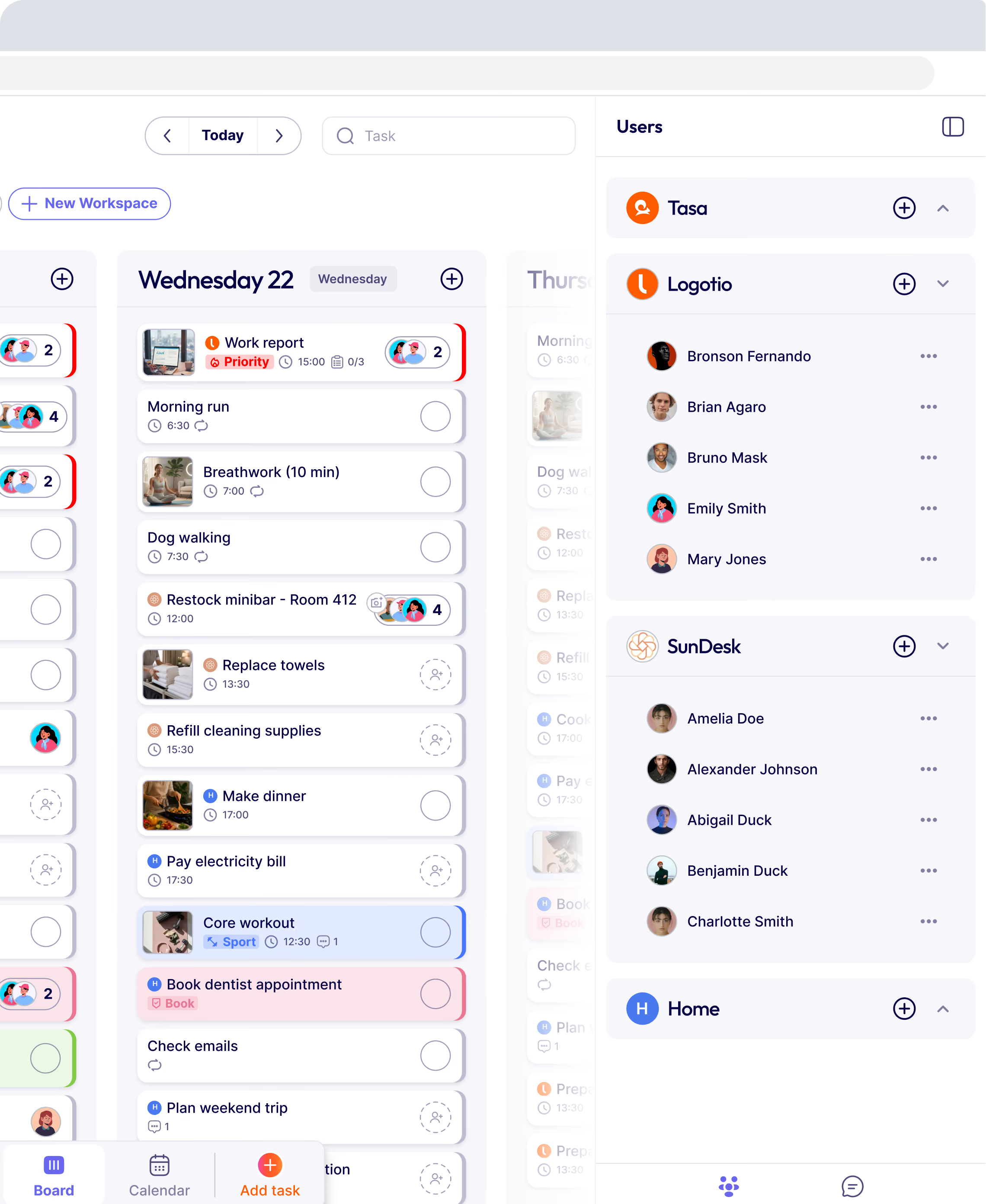
Tasa is a visual task management platform built for local operational teams. Instead of relying only on text instructions, Tasa helps businesses coordinate work through picture-based checklists, AI translation, visual task instructions, photo confirmation, recurring operational workflows and real-time task tracking.
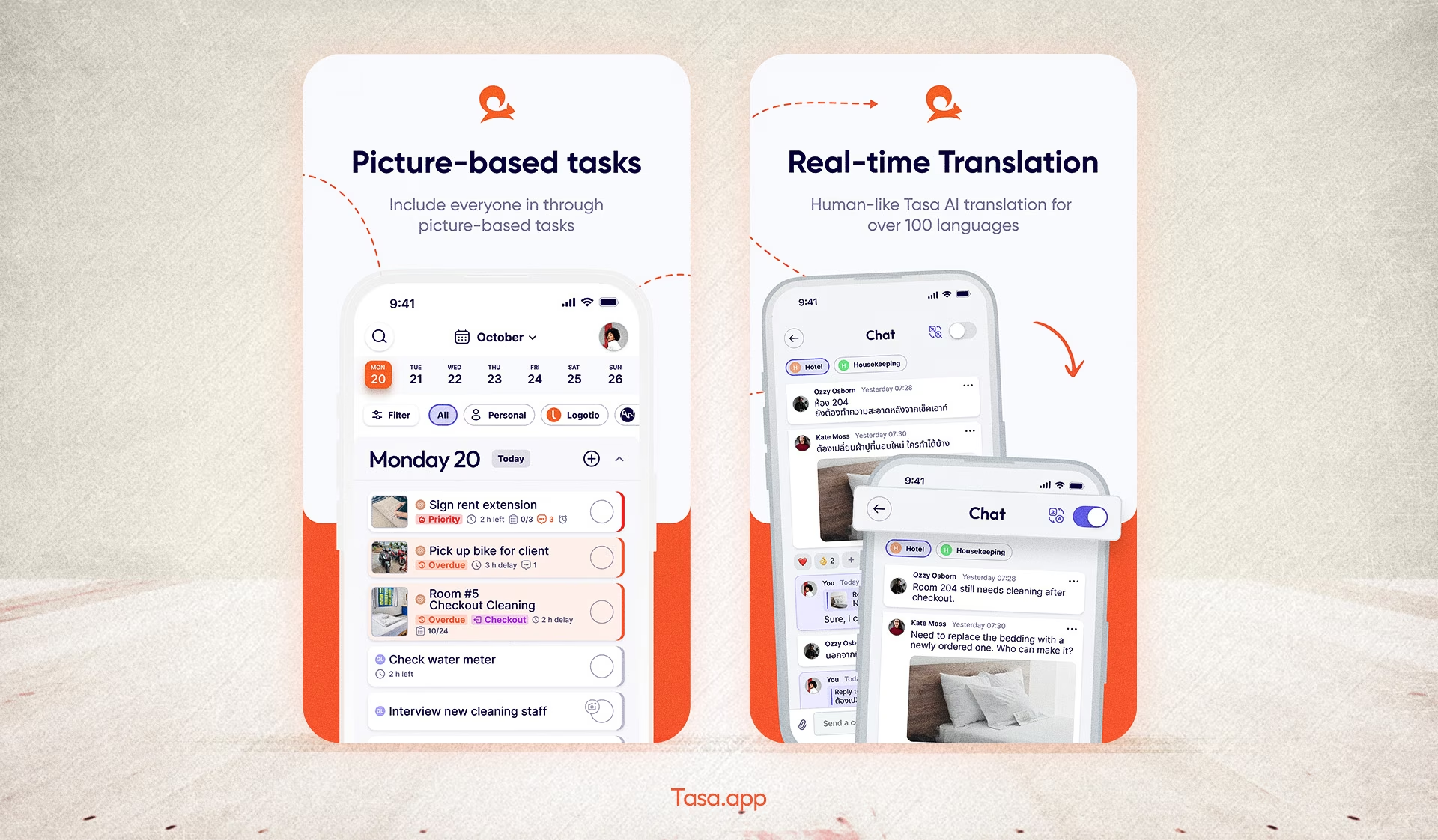
This is very useful for cleaning companies, hotels and Airbnb teams, retail and maintenance crews, or multilingual frontline teams.
The different types of time management apps
"Time management app" is an umbrella over several very different tool types, and picking the wrong type is the most common mistake:
- Calendar apps (Google Calendar, Notion Calendar): when things happen
- To-do list apps (Todoist, TickTick, Microsoft To Do): what you personally need to do
- Time trackers and timesheet apps (Clockify, RescueTime): where hours actually go
- Focus apps with Pomodoro timers and distraction blocking: protecting deep work
- Task execution platforms (Tasa): whether scheduled work got done correctly, by whom, with proof
A bakery owner needs the first and the last. A solo consultant needs the second and third. Match the type to your bottleneck before comparing brands.
What features should you look for in a time management app?
- Quick capture: adding an appointment or task in seconds, from any device
- Shared views: staff or partners can see what affects them without asking
- Recurring patterns: custom repeats like "every second Tuesday" without hacks
- Reminders and notifications you control, so the app nags usefully, not constantly
- Sync across phone, tablet, and desktop
- For teams: proof of completion, not just a checkbox
Do time management apps actually improve productivity?
Honestly: only when they change behavior. An app that merely stores your obligations makes you organized but not faster.
The gains show up when the app removes a real friction: double-bookings disappear when everyone sees one calendar, follow-up questions stop when instructions carry photos, rework drops when completed work is verified. If two weeks of use does not remove a specific recurring headache, the app is a diary, not a tool.
The 3-3-3 rule for time management
Worth knowing because it keeps appearing in searches: the 3-3-3 rule blocks three hours of deep work on your most important thing, then three urgent operational tasks, then three maintenance items such as messages and admin.
For local business owners the honest version is different: your three hours get shredded by walk-ins no app can prevent. What you can protect is the middle layer, three committed tasks per day with photo-verified execution by your team, so the day produces progress even when chaos visits.
The best free time management apps
If budget is zero, a fully free stack is realistic: Google Calendar for scheduling, Microsoft To Do or Todoist free for personal tasks, and Clockify free for staff timesheets. The free tiers genuinely cover a small team.
What they do not cover is execution: photo checklists, translated instructions, and proof that work met standard. That is the layer worth paying for once the free stack has stopped the bleeding.
The best system for local business owners
The best setup is often a pair rather than a single app, the same stacking logic we use in our system for small business guide:
Together, they give your local business control over both time and execution.
The businesses that save the most time are usually the ones that standardize recurring work, reduce repeated communication, simplify delegation, and verify completed work clearly, the core of easy management.
Time management matters. Execution management matters just as much.
Latest News


Have questions?
.svg)
Team management, simplified.

“It affects my personal life a lot. I can manage my team and my work remotely, so I have more time being a mother.”
